Liven Review: 2026 Overview
The verdict
4.5/ 5 An all-in-one self-discovery app that bundles mood tracking, journaling, courses and an AI companion into one guided programme.
Liven earns the top spot in our ranking because no other app in this category matches its combination of guided onboarding, genuine feature depth and a companion that stays useful past the first week. That said, the price is real, the onboarding leans heavily on upsells, and cancellation has caught some users off guard — so read the terms before you subscribe. If you want one app that covers the ground, it is the strongest option we tested; if you mainly want meditation or a simple habit tracker, a more focused app will serve you better.
Liven sits at the intersection of things most apps treat as separate products: a mood diary, a guided journal, a course platform, a habit builder, a soundscape library and an AI companion. Chesmint Limited built it as a single guided programme rather than a feature dump, and that distinction matters. You do not land on a blank home screen wondering what to do first.
Our scoring weighs breadth, personalisation, method and stickiness. Liven scores highest across the board among the 20 apps we tested, with a time-to-first-value of 4 out of 5 and the highest stickiness score we awarded: 5 out of 5. The weakest area is value and transparency, where the upsell-heavy onboarding and cancellation friction pull the number down. That tension between a genuinely strong product and a commercial layer that rubs users the wrong way runs through this whole review.
What Liven actually is
Liven is best described as a self-discovery programme rather than a collection of tools. The app's premise is that growth works better when the pieces connect: your mood log feeds into your journal prompts, your journal patterns inform the courses the app surfaces, and your AI companion Livie can reference all of it in conversation. That integration is the product.
It runs on iOS, Android and Apple Watch. Developer Chesmint Limited has built across all three with widget support, so daily check-ins can happen from your wrist or your home screen without opening the full app. The feature list is long: mood tracking, journaling, courses, psychological assessments, a habit builder, reminders, soundscapes, meditations and the Livie AI companion. A coaching tier adds a human element for those who want it.
The app is available on a subscription basis. A no-cost quiz gives you a preview of the onboarding experience, but the programme itself is paid. Plans run from around $7.99 per week to $89.99 per year (with trial), $59.99 per year (Yearly Premium) or $99.99 as a one-off Lifetime Premium. Confirm current prices in the App Store or Google Play before you commit; these figures are from around June 2026 and are subject to change.
The quiz and guided plan: how Liven gets you started
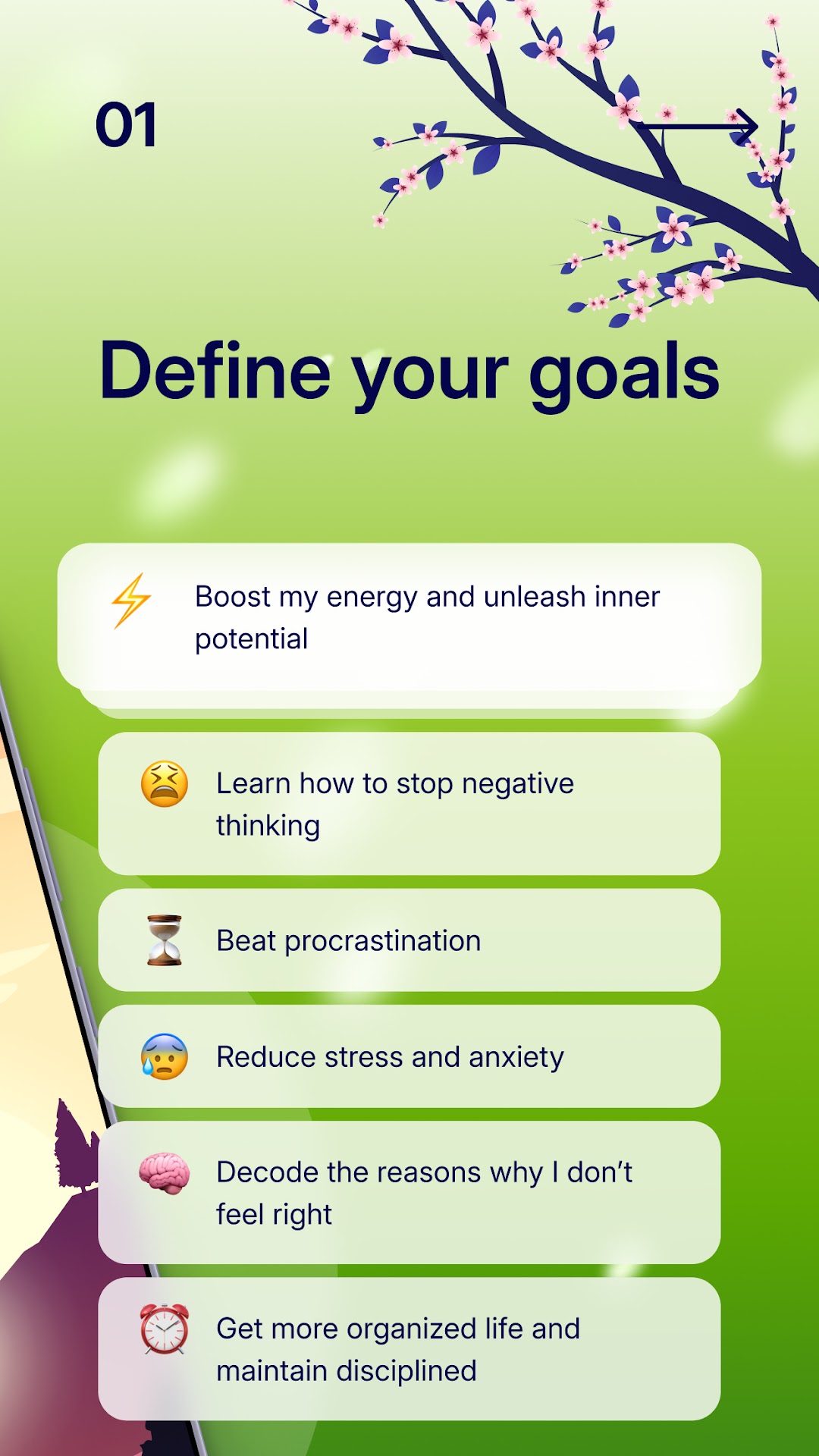
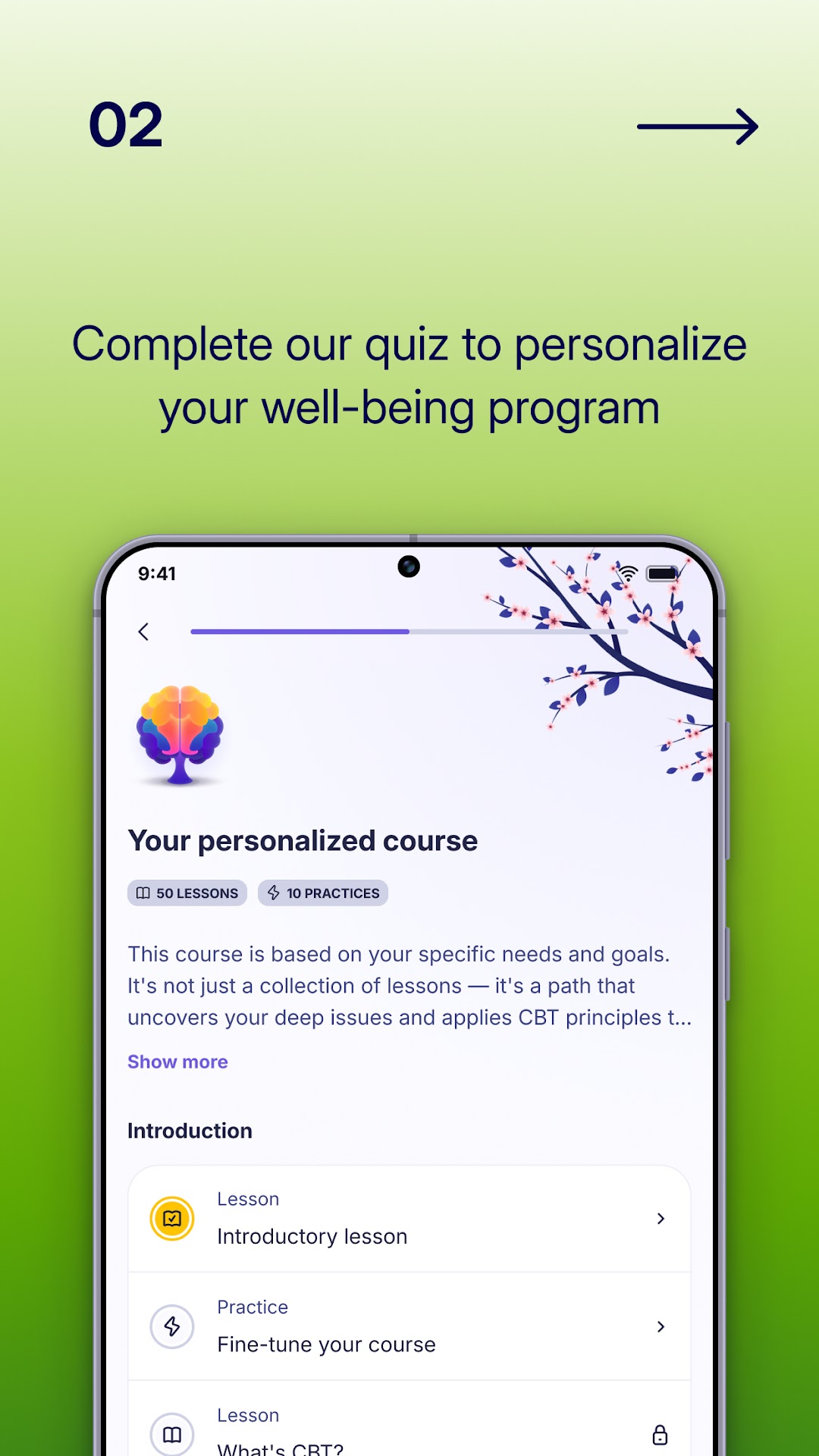
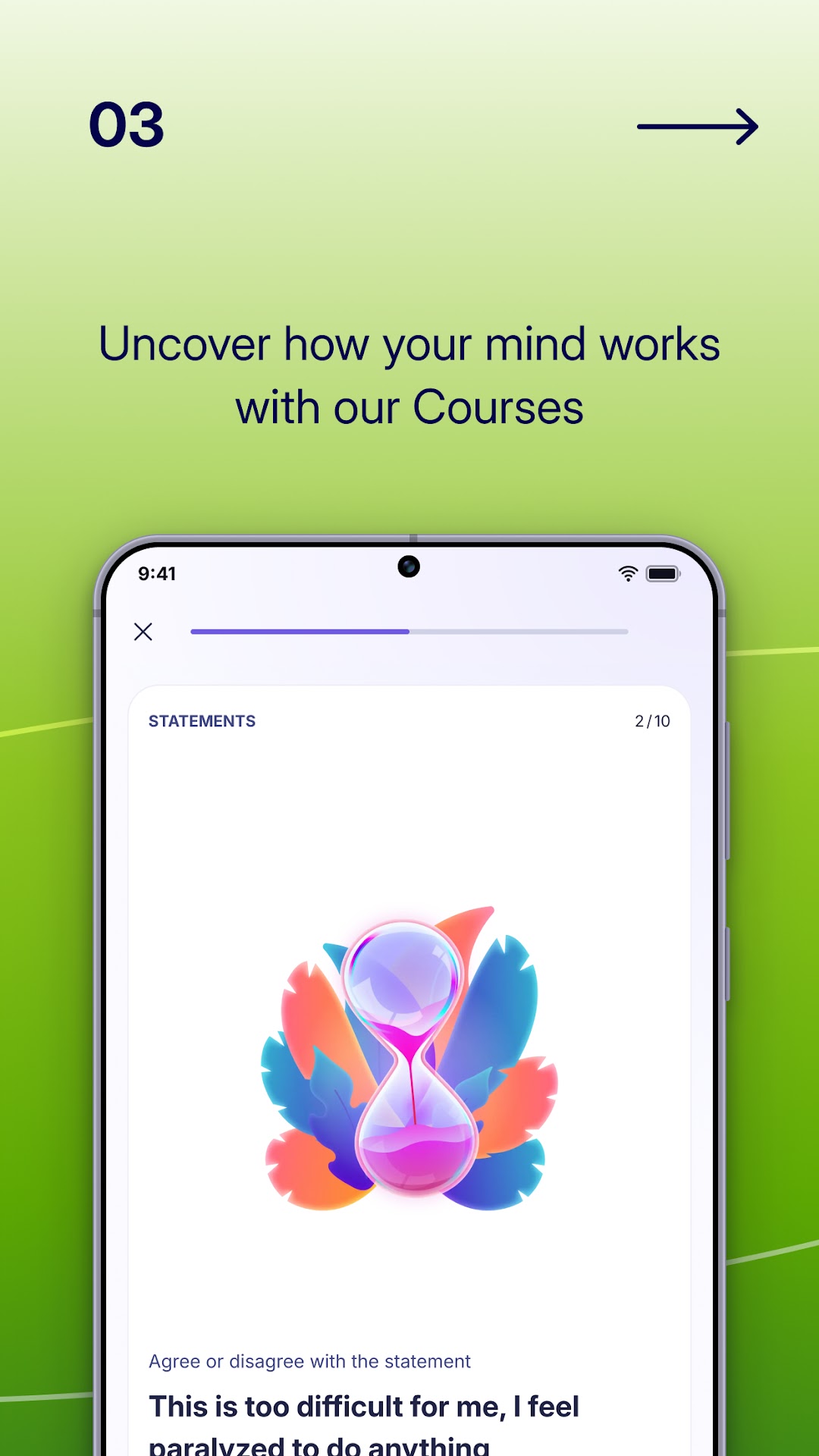
The onboarding quiz is the most important part of the Liven experience. It covers your goals, current mood patterns, sleep, stress and what you want to change. The answers shape the programme the app builds for you: which courses appear first, what the AI companion knows about your situation and what habits you are nudged to build. It is not deep clinical personalisation, but it is meaningfully better than asking you to choose a topic from a grid.
The quiz takes roughly five to ten minutes and ends with a plan-ready screen. This is also where the upsell sequence begins. You will see several offer screens before you reach the actual programme. Users who find that pattern off-putting should know it upfront; some reviews cite it as the first bad impression of an otherwise good product.
Once past onboarding, the structure holds. The daily experience is built around a morning check-in, guided journal prompts and a featured session, with the habit builder running alongside. The app does a reasonable job of keeping each touchpoint short enough to fit into a real day rather than demanding the kind of time that collapses most new habits.
Mood tracking: what you log and what happens to it
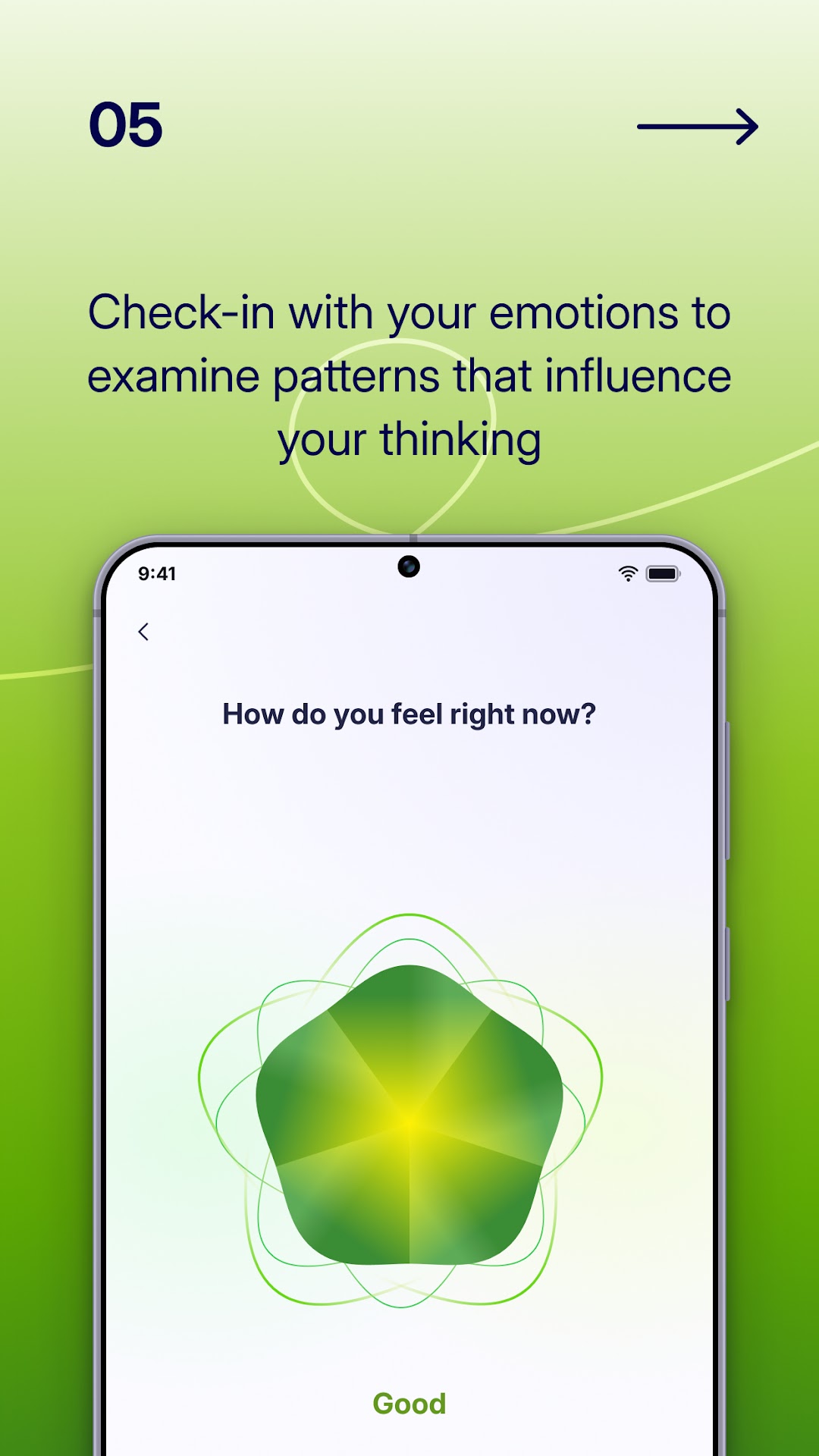
Liven's mood tracker uses an emotion wheel rather than a simple slider, so you log something more specific than good or bad. You can add context notes and tag the mood with activities or situations. Over time this builds a history you can review in the stats section.
The tracking is designed to connect with the rest of the app. Repeated anxious mornings can shift the course recommendations. This is the integration that distinguishes Liven from a standalone tracker like Daylio. In Daylio you get clean statistics; in Liven those statistics are meant to inform what you do next.
Apple Health sync is supported, and the Apple Watch lets you log moods from your wrist, which is the fastest path to genuine habit formation we found in testing. Low-friction logging is the biggest predictor of whether mood tracking sticks past the first fortnight.
Journaling in Liven: guided prompts rather than a blank page
Liven's journal is prompt-driven. Rather than a blank text field, you get a question shaped by whatever you flagged in your check-in or current course. The prompts draw on CBT and positive-psychology patterns: identifying cognitive distortions, practising reframes, working through something that is bothering you.
This approach suits people who find blank-page journaling hard to sustain. It is less suited to longform writers who want to record events or think at length. The text field is there and you can write as much as you like, but the experience is designed around short prompted entries. If longform journaling is your goal, Day One remains the stronger choice.
There is no export function. Your journal entries live inside Liven and cannot be saved to a file or moved elsewhere. That is worth knowing before you start building a personal record here.
Livie: the AI companion and how it actually behaves
Livie is the AI companion built into Liven, and it is one of the features that most distinguishes the app from its rivals. You can open a chat, describe how you are feeling or what is on your mind, and Livie responds in the style of a supportive, CBT-informed conversation: asking follow-up questions, reframing, suggesting exercises from the course library.
Livie works best as a between-sessions reflection tool. The app includes crisis signposting, but Livie itself is a self-help companion, not a clinical service. Within its lane, helping you notice thought patterns, process a difficult day or work through a journaling prompt, it is more capable than the AI companions in most competing apps.
Full Livie chat is gated behind the subscription. The quiz preview gives a sense of the interaction style, but unlimited access requires a paid plan. An optional coaching tier adds a human coach at a separate cost beyond the standard subscription.
Courses and psychological assessments
The course library covers topics you would expect from a personal development app: managing anxiety, improving sleep, building confidence, relationships and goal-setting, organised into structured sequences rather than standalone videos. Each lesson is short, typically a few minutes of reading or audio, and ends with a practical exercise.
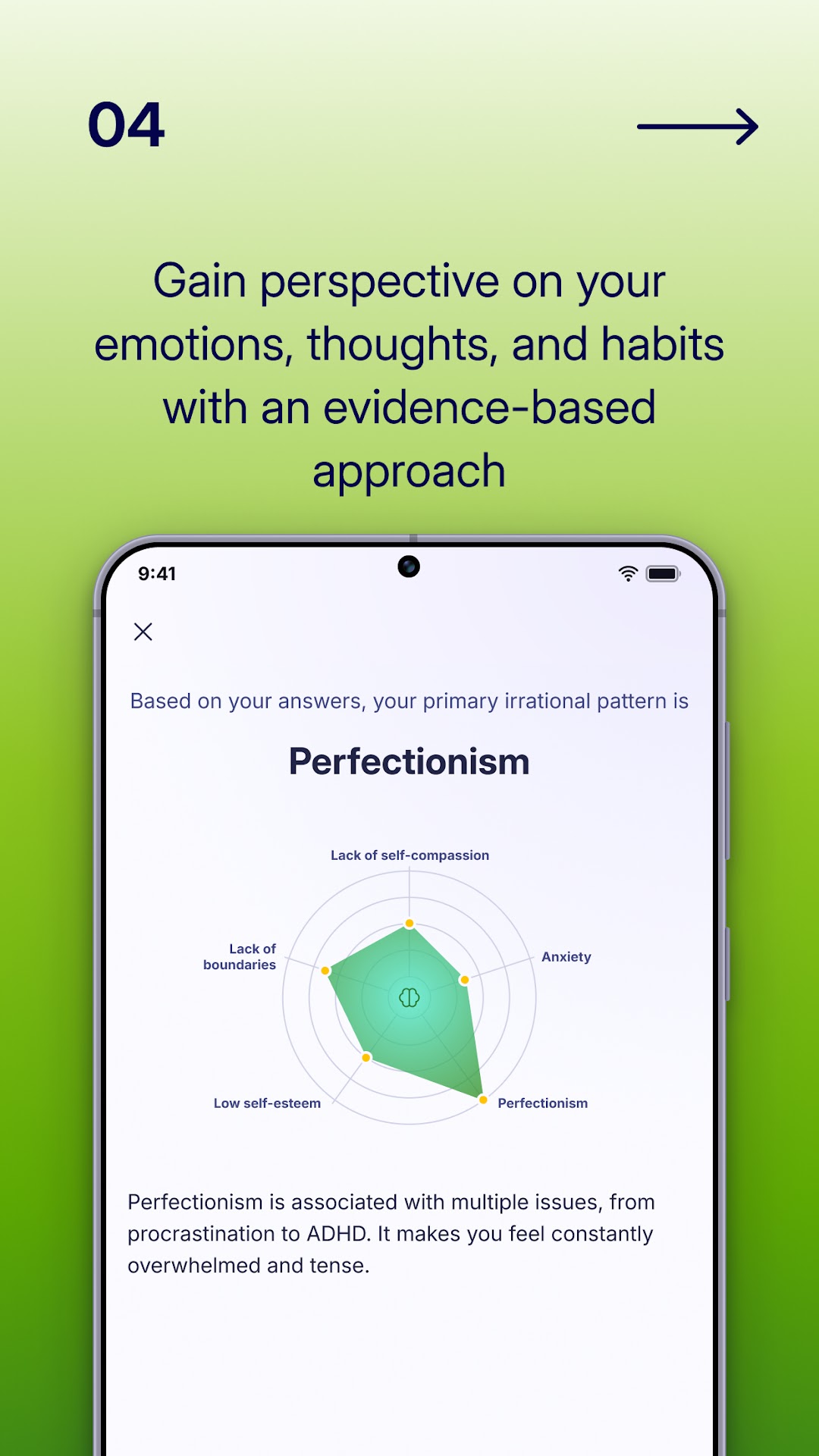
Liven also includes psychological assessments: self-report questionnaires that give you a snapshot of areas like stress levels or emotional resilience. These are screening-style tools for your own reflection, not clinical diagnoses. Used alongside the course library they work well as a way of identifying where to focus.
The app draws on CBT, ACT, DBT, positive psychology and solution-focused approaches. The frameworks are named and recognisable rather than invented, which gives the content more credibility than apps that simply claim science-backed without specifics. That said, framework-informed self-help content is not the same as a clinical programme, and Liven does not claim to be one.
Habit builder and reminders
Liven includes a habit builder that lets you set daily and weekly targets around sleep, exercise, mindfulness and custom goals. Reminders attach to specific times of day and completion is logged alongside your mood data. The design is simpler than a dedicated habit app like The Fabulous; there are no elaborate ritual sequences, but it covers the essentials without requiring a separate app.
The habit builder is most useful when you treat Liven as your single personal development tool. If you already use Habitica or The Fabulous for habits, adding Liven's tracker creates duplication. The integration is the argument for keeping it inside Liven: a habit streak that connects to your mood trends tells you more than a streak in isolation.
Reminders work reliably and can be staggered across the day: morning check-in, midday habit prompt, evening journal. The Apple Watch support makes this genuinely unobtrusive for people who keep their watch on through the day.
Soundscapes and meditations
Liven includes a soundscape library and guided meditation sessions. These are solid additions to the programme rather than its standout features. The audio quality is good, the range covers focus, sleep and relaxation, and the sessions integrate with the rest of the daily plan.
Where the soundscapes earn their place is in reducing the need for a separate app. A subscriber who wants background audio for focus or a ten-minute guided wind-down before sleep can handle both inside Liven without maintaining a second subscription.
The partial offline access is a real limitation here. Some audio requires a connection, which is frustrating if you use the app on a commute or in an area with patchy signal. If dedicated, offline-capable meditation content is what you are mainly after, Headspace or Calm are more developed in that specific area.
Day-to-day feel after the first week
The first week with Liven is busy. The quiz, the initial course recommendations, the AI companion onboarding and the habit setup all arrive together. Some users find this energising; others find it a lot. Our stickiness score of 5 out of 5 reflects that the app does an unusually good job of converting that initial engagement into a two-week and four-week habit, but that score reflects users who got through the early density.
After the initial setup, the daily rhythm settles. A morning check-in of two to three minutes, a journal prompt, a course lesson and a habit tick covers the core loop. The AI companion is there when you want it rather than in the critical path. The app does not demand much time each day, which is one reason the stickiness holds.
The UX subscore (4.1 out of 5) is the lowest in our assessment. The app is not poorly designed, but the commercial layer, upsell prompts and offer screens, creates friction that a cleaner experience would avoid. That score reflects the everyday experience including the moments that break the flow.
The method and evidence behind the app
Liven explicitly names five therapeutic frameworks: CBT, ACT, DBT, positive psychology and solution-focused approaches. All five are established in professional psychology. Using them as the basis for a self-help app is a reasonable and relatively responsible choice, and it is more grounded than apps that reference science without specifics.
The method subscore in our review (4.3 out of 5) reflects this. The content is more grounded than apps that vaguely cite research, but less independently validated than a clinically researched programme. That is an honest characterisation of where most self-help apps sit, and Liven does not claim otherwise.
The app also includes crisis signposting: if a user discloses something serious, they are directed toward appropriate help. That is basic responsible design for any wellbeing app and worth noting as a minimum expectation of the category.
Pricing and value: how the plans stack up
Liven's pricing has more options than most apps in this space. At the time of writing, plans are roughly $7.99 per week (with trial variants), $89.99 per year (yearly with trial), $59.99 per year (Yearly Premium without the trial wrapper) and $99.99 as a one-off Lifetime Premium. Confirm current prices in the App Store or Google Play before subscribing; these figures are approximate as of June 2026.
The weekly plan is expensive as a long-term option. The yearly Premium at around $59.99 is the most straightforward entry point for someone who wants the full programme. The Lifetime plan at around $99.99 works out well if you plan to use the app for two or more years, and given the stickiness score, that is a realistic prospect for users who find the app suits them.
The value subscore (3.7 out of 5) is the weakest in our assessment. Liven is priced at a premium relative to most single-purpose competitors, and the onboarding upsells make the commercial intention hard to miss. Against Headspace at around $69.99 per year and Calm at around $69.99 per year, Liven's Yearly Premium is actually slightly cheaper, though the onboarding experience is rougher.
What users say: real-world ratings
On Trustpilot, Liven holds around 4.8 out of 5 from roughly 24,000 reviews as of June 2026, a high volume and a strong score. The App Store rating sits at around 4.4, and Google Play at around 4.1, with over a million downloads on Android. Check the current store listings for live numbers; these figures are from our data snapshot.
Positive reviews consistently cite the quiz-driven onboarding, the breadth of features and the Livie companion. Negative reviews cluster around two issues: the aggressive upsell sequence during onboarding and difficulty cancelling or obtaining refunds. Both are credible patterns that match what we observed in testing.
The Trustpilot score is unusually high and may partly reflect the app actively soliciting reviews. Judge the distribution as well as the headline number. The split between a high headline rating and a meaningful body of cancellation complaints is the defining tension in Liven's public reputation: the product genuinely satisfies a lot of users; the commercial layer genuinely frustrates another group.
Upsells, cancellation friction and what to do about it
This deserves its own section because it is the most consistent source of negative reviews. Liven's onboarding is built around a quiz-to-offer funnel. After the quiz results, you will see multiple screens presenting subscription plans, often with time-limited framing. Some users find this off-putting enough to abandon the app before reaching the programme.
Cancellation runs through your App Store or Google Play account, not through the app itself. This is standard practice, but multiple reviews describe difficulty with the process and friction around refund requests. The recommendation is straightforward: before you start the trial, find the subscription in your app store, confirm the renewal date and set a reminder. Cancel before that date if you change your mind; waiting until after renewal makes refunds difficult across most app stores.
None of this means the product is not worth it. It means the commercial model requires you to be a careful consumer. Read the terms before you start, and treat the trial as a commitment with a deadline attached.
How Liven compares to the nearest alternatives
Against Headspace (our score 4.4), Liven wins on breadth and personalisation and comes in slightly cheaper on the yearly plan. Headspace wins on meditation quality and a cleaner, less upsell-heavy experience. If your primary goal is a meditation habit, Headspace is the better fit. If you want the full range, Liven covers more ground.
Against Calm (4.2), the dynamic is similar. Calm's strength is sleep and relaxation audio: Sleep Stories and the soothing design aesthetic are genuinely distinctive. Liven has soundscapes and meditations, but they are not the centrepiece. For mood, journaling, courses and habit-building combined, Liven is more complete.
Against Wysa (4.1), the comparison is most interesting around the AI companion. Wysa's AI chat is CBT-focused and its no-cost tier is more generous, but the app has less breadth. Liven's Livie is more conversational and integrates more tightly with the rest of the programme. Wysa is worth considering if the AI element is your main interest and the Liven price is a barrier.
Privacy and your data
Liven handles unusually sensitive personal data: mood logs, journal entries and AI companion chats together hold a candid record of how you feel and what you are working through. The app was developed by Chesmint Limited, and there is no data export function, so your content stays inside the app and cannot easily be moved elsewhere.
Health sync with Apple Health is supported, which adds another data-sharing surface to be aware of. Check the current privacy policy via the App Store or Google Play listing before you start logging personal content; policies change, and the only way to know the current position is to read the current version.
Practically: use a strong, unique password, enable any device-level screen lock, and be a little more measured about identifying details in journal entries and Livie chats than you might be in a paper diary. AI companion conversations are processed by software, not whispered to a friend, so treat them as you would any data you put into an app.
Getting the most from Liven
Set up the Apple Watch or a home-screen widget on your first day. The check-in habit forms fastest when the barrier is minimal; a mood log from the watch face takes under a minute, and skipping that step requires opening the full app. Friction compounds, so reduce it early.
Give the quiz honest answers, and revisit it as life changes. The programme it generates is only as useful as the input behind it. Vague or aspirational answers produce a vaguer plan. If your goals shift after a few weeks, redo the relevant sections.
Let the tools work as a system rather than cherry-picking one corner. Liven's advantage is integration: the value compounds when you log your mood, do a short lesson and use a journal prompt in the same session rather than only opening one feature. A light daily loop beats an occasional deep session; consistency is what makes the habit pay off.
Maker: Chesmint Limited · Platforms: iOS, Android, Apple Watch · Approach: Self-guided, with an optional coaching tier · Methods: CBT, positive psychology, ACT, DBT, solution-focused
Liven plans & pricing
Free tier: A free quiz and limited preview; the program is paid.
Trial: Free-trial variants on some plans (length varies by offer).
Prices approximate, as of June 2026 — verify on the App Store / Google Play. The personalised program, full course library, unlimited Livie chat and coaching sit behind the subscription.
Cancellation: Manage and cancel through your App Store / Google Play subscriptions. Several reviews mention upsell-heavy onboarding and friction around cancellation and refunds — read the terms before you start.
Feature checklist
- Mood trackingYes
- JournalingYes
- AI companionYes
- Courses & lessonsYes
- MeditationsYes
- Soundscapes / focus musicYes
- Habit & routine builderYes
- RemindersYes
- Quiz / assessmentYes
- Community—
- Live coachingCoaching tier
- Crisis resourcesYes
- Data export—
- Apple Health / Google FitYes
- Home-screen widgetsYes
- Offline usePartial
Liven pros & cons
What's good
- Genuinely broad feature set: mood, journaling, courses, habits, soundscapes and Livie AI all in one place
- Quiz-to-plan onboarding cuts the where-do-I-start problem that kills most new app habits
- Livie AI companion draws on named frameworks (CBT, ACT, DBT, positive psychology, solution-focused) and stays useful past the demo
- Highest stickiness score we awarded: the structure keeps people returning after week two
- Apple Watch support and home-screen widgets lower the friction for daily check-ins
- Lifetime Premium plan (around $99.99 at the time of writing) makes sense for long-term users
What to weigh up
- Onboarding is upsell-heavy: several offer screens appear before you reach the programme proper
- Cancellation and refunds have generated a notable volume of complaints; the process runs through your app store, not the app itself
- Premium pricing: at around $89.99 per year (yearly with trial) it costs more than most single-purpose competitors
- No data export: journal entries and mood logs stay inside the app
- Offline access is only partial; some content requires a connection
Support
Liven offers in-app support and an online help centre; response times are not publicly stated. The optional coaching tier adds a human element, though it sits outside the standard subscription at an additional cost.
Method & credibility
The app cites CBT, ACT, DBT, positive psychology and solution-focused approaches, all recognised frameworks rather than invented systems. The degree to which the content is independently validated versus framework-informed is not publicly confirmed, so treat it as a structured self-help tool built on credible foundations.
Privacy & data
Liven is developed by Chesmint Limited and handles sensitive data including mood logs, journal entries and AI chat. Read the current privacy policy via the App Store or Google Play listing before you start recording personal content; practices can change, and the data here is more sensitive than most apps.
Third-party ratings
- 4.8 / 5 on Trustpilot (~24,000 reviews) — as of June 2026, verify
- 4.4 / 5 on App Store (tens of thousands of ratings) — as of June 2026, verify
- 4.1 / 5 on Google Play (1M+ downloads) — as of June 2026, verify
We report independent ratings with their source and date and never invent them. Figures here are approximate and pending verification before launch.
Our data: Liven
Two numbers we measure ourselves, on the same 1–5 scale for every app — the things most roundups never score (see all 20 on the compare page):
Liven FAQ
Is Liven worth the price compared to Calm or Headspace?
If you want one app to cover mood, journaling, habits, courses and an AI companion, Liven is competitive on price: the Yearly Premium plan (around $59.99 at the time of writing) is slightly cheaper than Calm or Headspace's annual plans. If your primary goal is meditation, those apps deliver a more focused experience for a similar cost.
Can I try Liven before committing to a full year?
Trial variants are offered on some plans, though the length and terms vary by offer. A no-cost quiz preview is available before you subscribe. Check the current offer in the App Store or Google Play, and note the trial end date before you start — cancellation runs through your app store account, not the app itself.
How do I cancel Liven?
Cancel through your App Store (iOS) or Google Play (Android) subscription settings, not through the app itself. Several reviews describe friction around this process, so set a reminder before the trial or renewal date rather than waiting until you want to stop. Refund policies are set by the app stores, not by Liven directly.
What is Livie and is it a real therapist?
Livie is Liven's built-in AI companion: a conversational tool that draws on CBT, ACT and related frameworks to help you reflect and reframe. It is not a therapist, does not replace professional mental health support and should not be relied on in a crisis situation. Think of it as an informed self-help companion, not a clinical service.
Does Liven work offline?
Partially. Some content and features require an internet connection; others are cached and available offline. If you plan to use the app in areas with limited signal, check which features work offline before you rely on them.
Can I export my journal entries from Liven?
No. At the time of writing, Liven does not offer a data export function. Your journal entries and mood logs stay inside the app. If owning a portable copy of your personal records matters to you, that is a meaningful limitation to weigh before you start writing there.
Who is Liven not right for?
If your primary interest is meditation or sleep audio, Headspace or Calm are more developed in those areas. If you want a no-cost or very low-cost option, Liven is a premium product with no usable no-cost tier. And if you are put off by quiz-driven subscription funnels, the onboarding experience is likely to frustrate you.