
Day One Review: 2026 Overview
The verdict
4.0/ 5 A beautifully crafted private journal that earns its reputation on Apple but asks you to do the heavy lifting.
Day One is the most refined standalone journaling app on the market, and on iPhone, iPad and Mac it feels like it was designed by people who actually journal. The problem is it offers no structured guidance: no prompts by default, no progress framework, no coaching. Open it hoping the app will tell you what to write, and you will close it again within a fortnight. For self-directed writers who already know journaling works for them, it is hard to beat at around $35 a year.
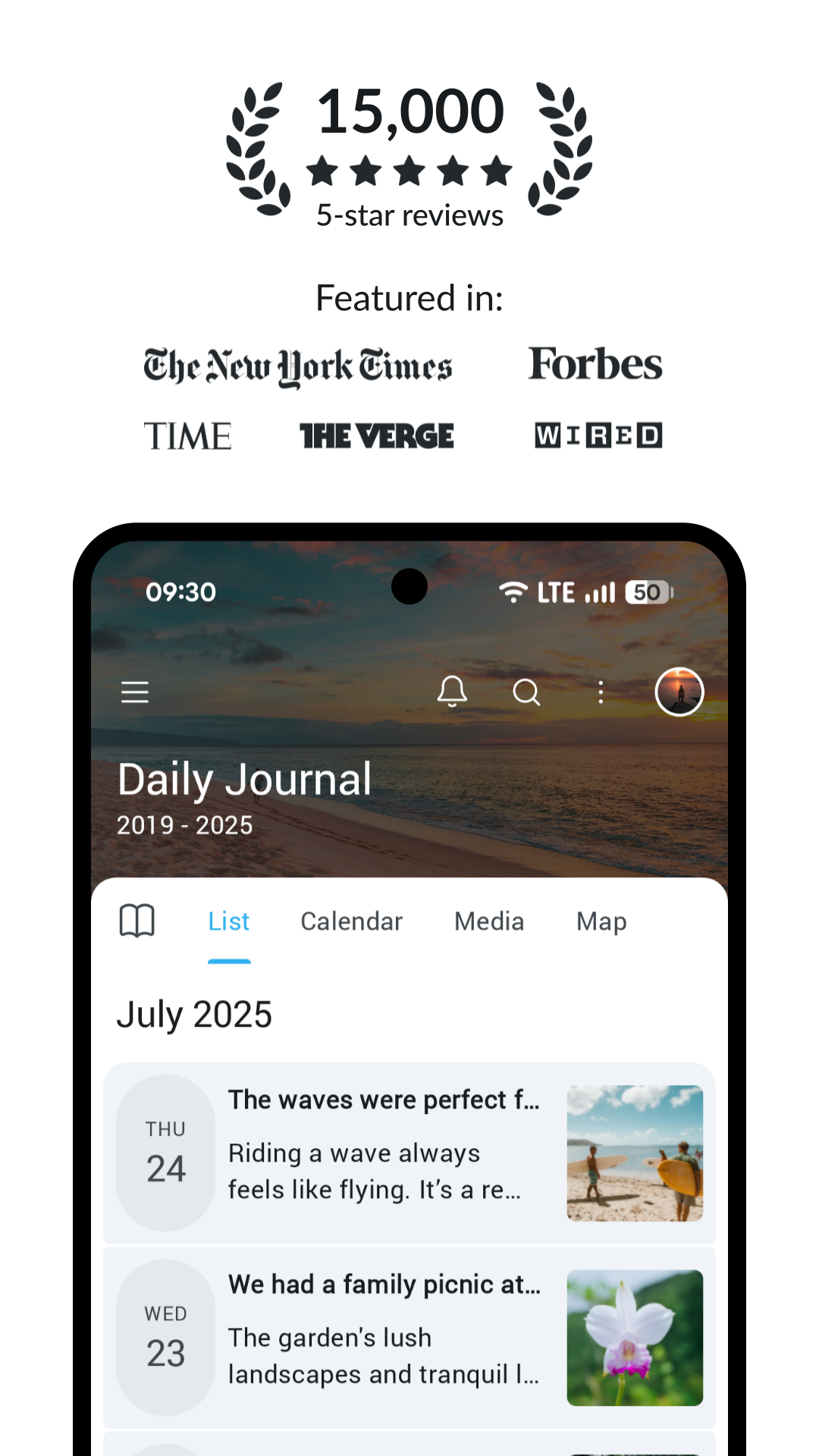
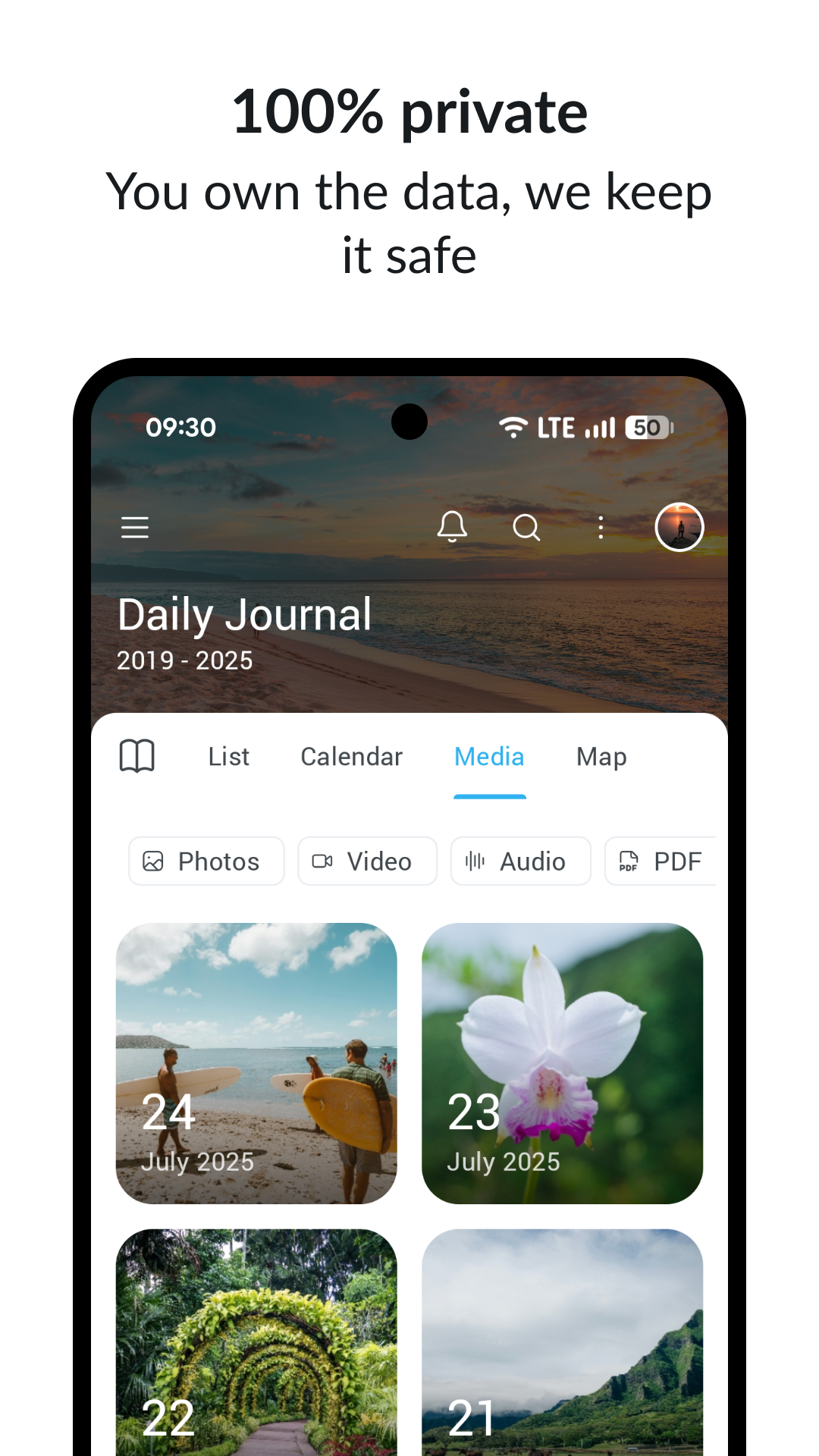
Day One has been around long enough to have a genuine reputation. Built by Bloom Built, now part of Automattic, it is the app that regularly appears when someone asks for a journaling recommendation — and mostly for good reason. The writing interface is calm, you can attach photos, audio, drawings and location to any entry, and the result feels less like a diary app and more like a personal archive.
The catch is that Day One trusts you entirely. It provides a blank page and waits. For people who already journal and want a better home for it, that is a feature. For people still deciding whether journaling is something they will actually keep up, it can quickly feel like an expensive notebook sitting unopened on a shelf.
What Day One actually is (and is not)
Day One is a private journaling app. That sounds obvious, but it is worth being specific: it does not offer meditations, habit tracking, AI conversations, mood graphs, structured courses or coaching. It is a place to write things down, with strong media support and sync across Apple devices.
Platforms are iOS, Android and macOS. The Apple experience — particularly the Mac app — is where most of the design effort has gone. Android users should manage expectations; the app works but lacks the polish of its iOS counterpart.
Setup and first run
Opening Day One for the first time, you get a default journal and an invitation to write. There is no onboarding quiz, no goal-setting flow, no personalisation sequence. You simply start. The time-to-first-value score in our testing was 4 out of 5 — tapping 'New Entry' and writing a sentence takes about thirty seconds.
The question is whether that initial ease translates into a month-long habit. Our stickiness score of 3 out of 5 reflects that many users find the unstructured format easy to abandon once novelty fades. Setting a daily reminder early is what keeps Day One in rotation for most consistent users.
The writing experience in practice
The editor is where Day One earns its reputation. Markdown is supported, formatting is clean, and the toolbar for adding media — photos, audio recordings, sketches, map locations — is well organised without being cluttered. You can tag entries, have weather added automatically, and use templates if you set them up.
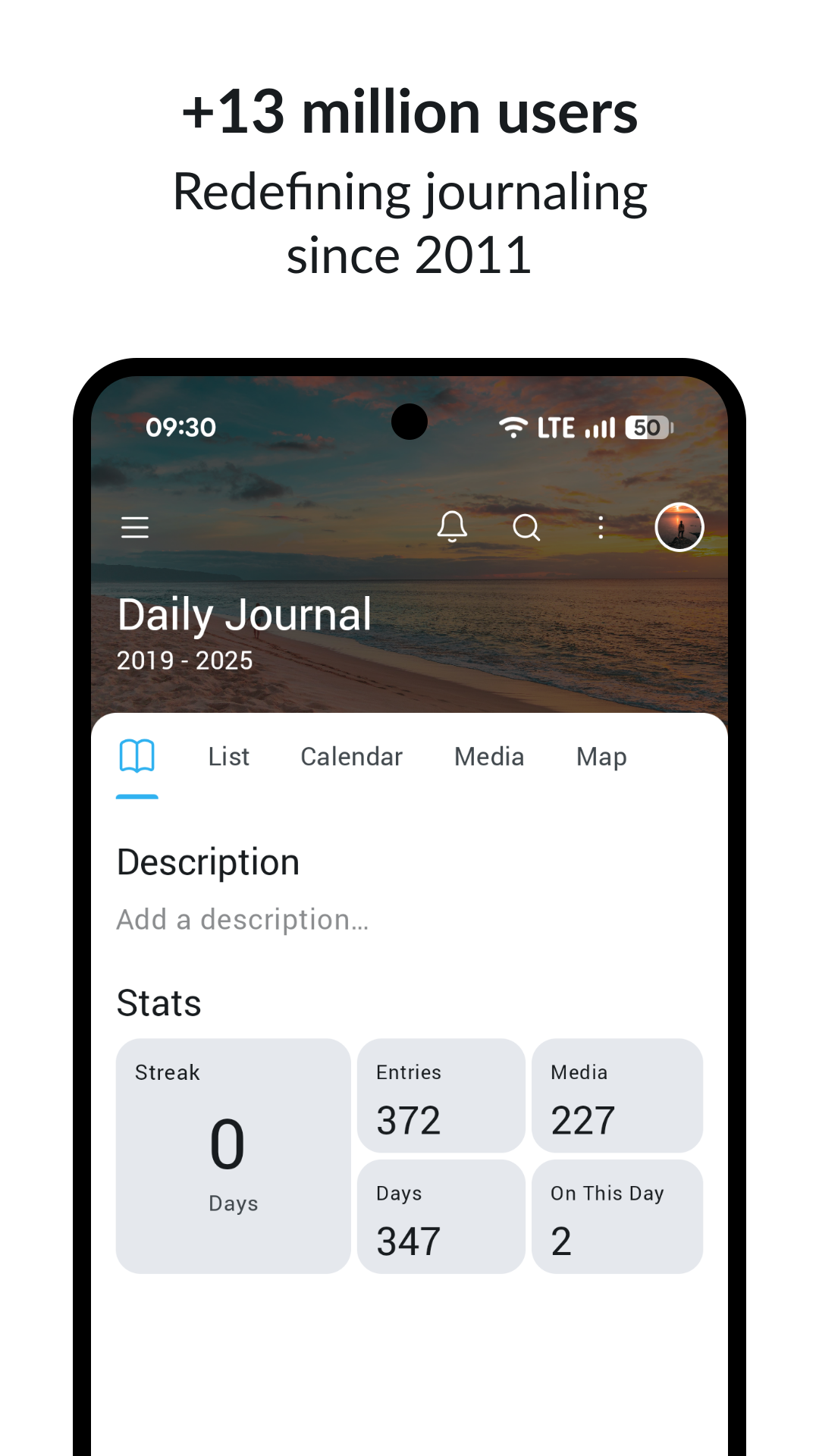
Multiple journals work well. Some people keep one for work reflection, one for personal entries, one for travel. Day One handles this without friction. One feature that gets overlooked: the On This Day prompt, which resurfaces entries from the same calendar date in previous years. If you journal consistently for two or three years, this becomes quietly satisfying.
Prompts and structure — or the absence of them
Day One includes a prompt library but it is passive. You browse and tap; there is no daily curated prompt, no progression, nothing nudging you toward a particular kind of reflection. Day One's philosophy is that it trusts you to show up with something to say.
If you want an app that coaches you through journaling — asking follow-ups, surfacing patterns, suggesting areas you have not explored — Rosebud or Reflectly will serve you better. Day One is for people who already know what they want to write.
Method and credibility
Day One does not claim a named framework — no CBT, no positive psychology, no clinical approach. Our method and credibility subscore is 3.6 out of 5, reflecting the absence of structured guidance rather than anything misleading. The app is honest about being a tool, not a programme, and that restraint is refreshing compared to some competitors.
Pricing and what you actually get
Day One has a limited no-cost tier — one journal, basic features. Premium, at around $34.99 per year at the time of writing, adds unlimited journals, end-to-end encryption, templates and additional storage. A free trial lets you test the full feature set first. Confirm current pricing in the App Store or Google Play.
At that price, Day One undercuts Rosebud (around $12.99 per month) and Reflectly (around $59.99 per year) — and gives you data portability that neither of those offers. Cancel through your app-store subscription; entries remain on your device after cancellation.
Privacy and data ownership
Day One's privacy posture is one of its genuine strengths. End-to-end encryption on Premium means entries are encrypted before they leave your device. The export function — PDF, plain text, JSON — gives you a complete copy of everything you have written. Your archive is not fully dependent on the app continuing to exist.
Automattic's privacy policy covers how data is handled and is worth reading before you enable sync. Some users disable cloud sync entirely and rely on local storage only. Given that journals can contain genuinely sensitive material, it is worth spending ten minutes on the sync settings.
How it compares: Daylio, Rosebud and Liven
Against Daylio, Day One is the richer writing tool but Daylio wins on speed and mood-tracking depth. Daylio suits quick daily check-ins with statistics; Day One suits people who want to write actual paragraphs. Against Rosebud, Day One has no AI. Rosebud asks follow-up questions and surfaces patterns. If you find AI-mediated journaling slightly uncomfortable, Day One's silence is a selling point.
Against Liven, our top-ranked pick, the comparison is almost apples to oranges. Liven is an all-in-one growth platform — mood tools, courses, habit building, guided programmes, an AI companion. If journaling is the specific thing you care most about, Day One's writing environment and feature depth for it are meaningfully superior. Liven scores higher on stickiness (5 vs 3), though, and does far more beyond the journal itself.
Who should get Day One
Day One is for people already sold on journaling as a practice who want the best available tool for it on Apple hardware. Writers, people who keep detailed personal records, anyone building a long-term archive they want to own — this is the app for them.
It is a harder sell as a personal development tool in the broader sense: no framework, no goals, no accountability. The app is the pen, not the teacher. Android users should test it carefully on a trial — if your primary device is not an iPhone or iPad, Daylio or Stoic may be more balanced choices.
Maker: Bloom Built (Automattic) · Platforms: iOS, Android, macOS · Approach: Self-guided · Methods: journaling, reflection
Day One plans & pricing
Free tier: Limited free journaling; Premium unlocks unlimited journals and more.
Trial: Free trial on Premium.
Prices approximate, as of June 2026 — verify on the App Store / Google Play. Unlimited journals, end-to-end encryption options and premium features need a subscription.
Cancellation: Cancel through your app-store subscription; your entries remain on your device.
Feature checklist
- Mood trackingLight
- JournalingYes
- AI companion—
- Courses & lessons—
- Meditations—
- Soundscapes / focus music—
- Habit & routine builder—
- RemindersYes
- Quiz / assessment—
- Community—
- Live coaching—
- Crisis resources—
- Data exportYes
- Apple Health / Google FitYes
- Home-screen widgetsYes
- Offline useYes
Day One pros & cons
What's good
- Exceptionally polished writing experience on Apple devices
- Supports multiple journals, photos, audio, video and location tagging in one entry
- Works entirely offline with strong local-first storage
- End-to-end encryption option available on Premium for sensitive entries
- Export to PDF, plain text or JSON gives you genuine ownership of your data
- App Store rating of about 4.8 and Google Play around 4.5 as of June 2026 — some of the highest in the category
What to weigh up
- No guidance, prompts or structure by default — you need to bring your own intention
- Android experience noticeably less capable than the iOS and macOS versions
- No mood tracking beyond a basic light emoji picker, no habits, no courses
- Stickiness score of 3 out of 5 in our testing: strong first week, then easy to neglect
- Free tier is limited; most of what makes Day One worth using requires Premium
Support
Day One offers a help centre and community forum. In-app support is available for Premium subscribers. Response times are not independently verified — check recent reviews for current experience.
Method & credibility
Day One does not claim a therapeutic or clinical framework. It is a tool, not a programme, and makes no named academic partnerships or evidence claims. Journaling itself has a reasonable body of support as a reflective practice.
Privacy & data
Day One stores entries locally and optionally syncs via its own servers with end-to-end encryption on Premium. Automattic's privacy policy is publicly available — read it before enabling sync, particularly if you plan to log sensitive material.
Third-party ratings
- 4.8 / 5 on App Store — as of June 2026, verify
- 4.5 / 5 on Google Play — as of June 2026, verify
We report independent ratings with their source and date and never invent them. Figures here are approximate and pending verification before launch.
Our data: Day One
Two numbers we measure ourselves, on the same 1–5 scale for every app — the things most roundups never score (see all 20 on the compare page):
Day One FAQ
Is Day One worth it if I already journal in Apple Notes?
Possibly not, if Notes is working for you. Day One adds multiple dedicated journals, media attachments with location and weather, end-to-end encryption and a more intentional writing environment. If those extras matter, try the trial. If you just want to jot things down, Notes costs nothing.
Does Day One work on Android?
Yes, but the Android app trails the iOS and macOS versions in polish and features. Core journaling works. If Android is your primary platform, compare it against Daylio before committing.
Can I export my Day One entries if I cancel?
Yes — PDF, plain text and JSON are all supported. Entries also remain stored locally on your device after cancellation. Confirm the current terms when you sign up, as this is one of the better data-ownership policies in the category.
Does Day One have AI prompts or a guided programme?
No. There is a browsable prompt library, but no AI, no daily guided flow and no structured programme. For AI-assisted journaling, look at Rosebud or Reflectly instead.
How does Day One handle security for sensitive entries?
End-to-end encryption on Premium encrypts entries before they reach Day One's servers. You can also disable sync entirely. Check Automattic's privacy policy and the sync settings before you start logging anything sensitive.
What does Day One Premium cost?
Around $34.99 per year at the time of writing, with a free trial available. It adds unlimited journals, end-to-end encryption, templates and extra storage. Confirm current pricing in the App Store or Google Play.